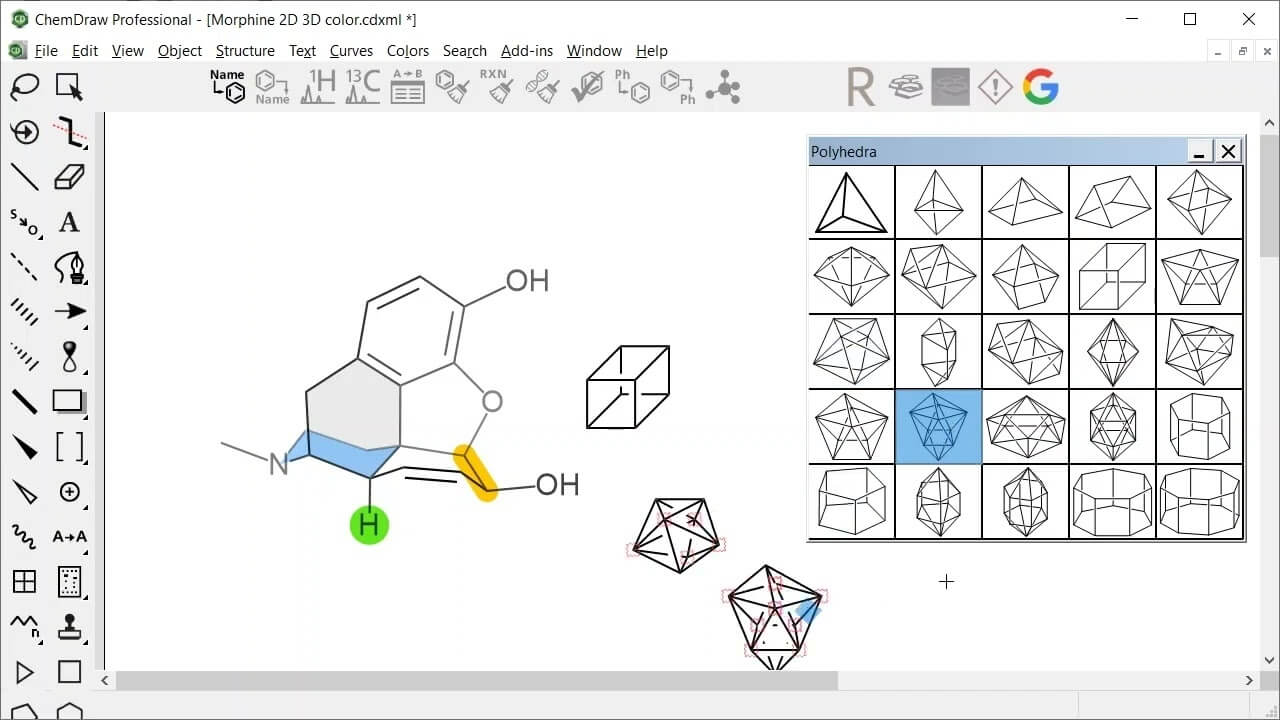
ChemDraw Professional is a powerful chemical structure drawing and analysis software widely used by researchers, students, and scientists in chemistry and related fields. It allows users to create precise chemical structures, reaction mechanisms, and scientific diagrams with professional accuracy. The Mac version is optimized for macOS, offering smooth performance, intuitive tools, and seamless integration with scientific workflows, making it a preferred choice in laboratories and academic environments.
This software is designed to simplify complex chemical communication by converting ideas into clear visual representations. With built-in templates, predictive structure recognition, and advanced formatting tools, ChemDraw Professional helps users produce publication-ready diagrams quickly. It is also widely used in research papers, pharmaceutical development, and educational materials where accuracy and clarity are essential.
Key Features of ChemDraw Professional (Mac)
- Advanced Chemical Structure Drawing :
- Create accurate molecular structures, bonds, and reactions with precision tools.
- Reaction Mapping Tools :
- Easily design and analyze chemical reaction pathways.
- NMR and Analytical Support :
- Helps predict and visualize chemical data for research use.
- Publication-Ready Output :
- Export high-quality diagrams suitable for journals and reports.
- Smart Structure Recognition :
- Automatically detects and corrects chemical structures.
- Integration with ChemOffice Suite :
- Seamless workflow with other scientific tools.
- Mac Optimized Interface :
- Smooth performance on macOS with clean UI design.
How to Download & Install on Mac
- Visit the official ChemDraw or ChemOffice website.
- Choose ChemDraw Professional (Mac version)
- Sign in or create an account.
- Download the macOS installer package.
- Open the .dmg file and drag ChemDraw into Applications.
- Launch the app and activate using your license key.