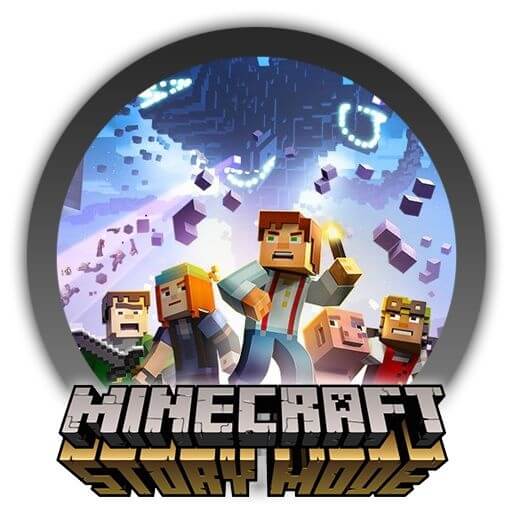
Minecraft: Story Mode is an interactive episodic adventure game developed by Telltale Games in collaboration with Mojang. Set in the iconic Minecraft universe, the game focuses on storytelling rather than traditional sandbox building. Players follow Jesse and their friends on a thrilling journey to save the world from destruction by the Wither Storm. Every choice you make changes the direction of the story, making each playthrough unique and engaging.
This game combines cinematic storytelling with Minecraft-style visuals, creating a rich narrative experience for both new and longtime fans. With emotional dialogue, decision-based gameplay, and multiple endings, Minecraft: Story Mode delivers an immersive adventure that feels like playing through a live-action story inside the Minecraft universe.
How to Play
- Start a new story as Jesse, the main character.
- Make choices during dialogues to shape the storyline.
- Explore different locations in the Minecraft world.
- Solve puzzles and complete story missions.
- Interact with characters to unlock new paths and endings.
Key Features
- Choice-Based Gameplay:
- Every decision impacts the story and character relationships.
- Episodic Adventure:
- Play through multiple episodes, each with new challenges and story developments.
- Minecraft Universe Setting:
- Familiar block-style world with a strong narrative twist.
- Multiple Endings:
- Your choices lead to different outcomes and replay value.
- Voice Acting & Cinematics:
- Fully voiced characters with high-quality cutscenes.
- Story-Driven Experience:
- Focus on adventure, dialogue, and exploration rather than building.
How to Download on Mac
- Download the game from a trusted platform or official game store.
- Ensure your Mac system meets the requirements below.
- Install the game by dragging it into the Applications folder (if required).
- Launch the game and complete setup instructions.
- Update to the latest version for best performance.