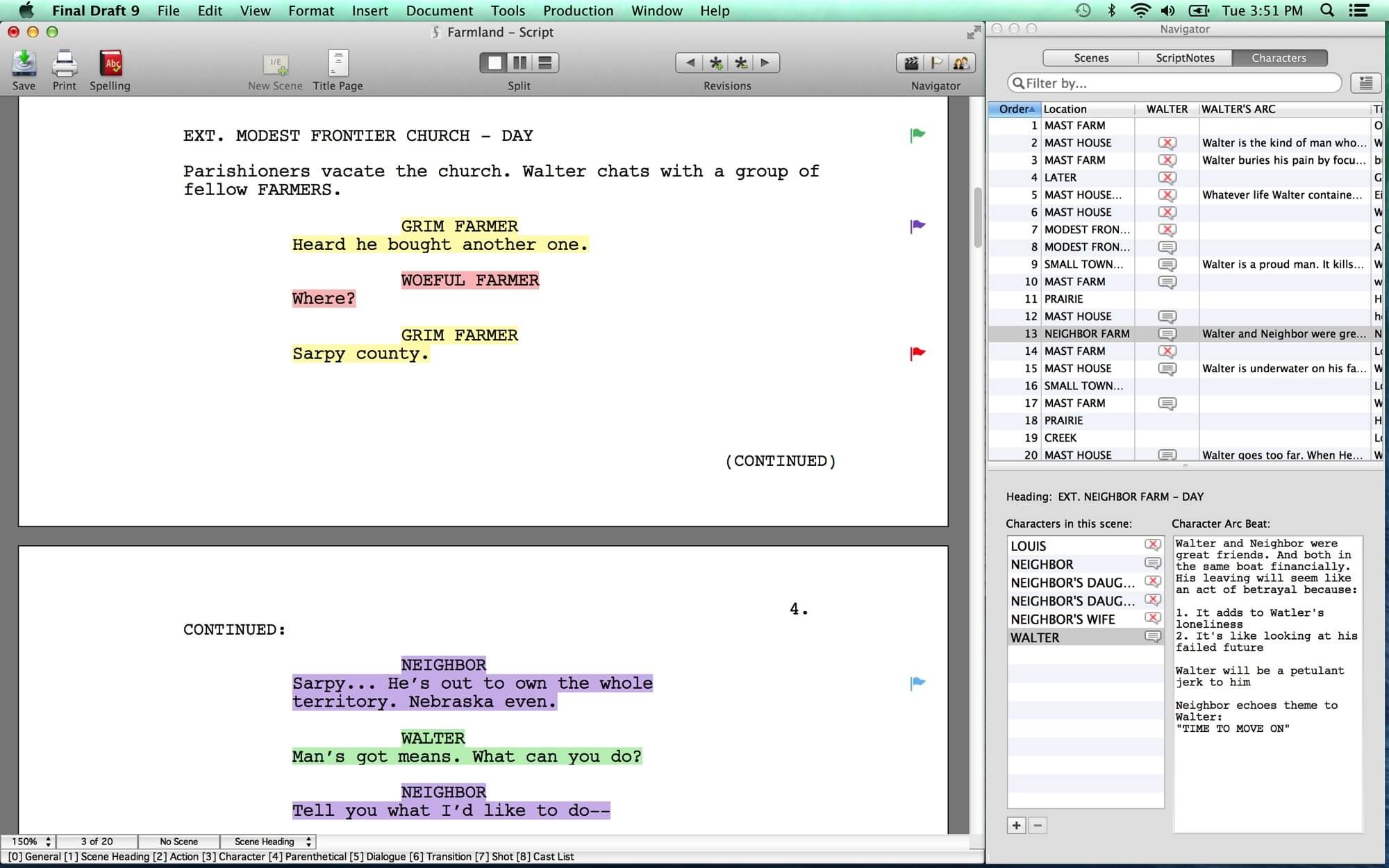
Final Draft is a powerful industry-standard screenwriting software designed for Mac users who want to create professional scripts for movies, TV shows, and stage productions. It is widely used by writers, filmmakers, and production studios because it automatically formats scripts according to industry standards, allowing creators to focus entirely on storytelling. With its clean interface and advanced writing tools, Final Draft makes scriptwriting faster, more organized, and highly efficient on macOS.
This software includes smart features like auto-formatting, scene navigation, collaboration tools, and templates for different writing styles. It also helps writers track characters, manage story structure, and organize ideas in one place. Final Draft for Mac is optimized for performance, making it smooth and reliable even for large scripts. Whether you're a beginner or a professional writer, it provides everything needed to turn ideas into production-ready screenplays.
Key Features
- Industry Standard Formatting:
- Automatically formats scripts to meet Hollywood screenplay standards without manual adjustments.
- Built-in Templates:
- Offers templates for movies, TV shows, stage plays, and more for quick project setup.
- Collaboration Tools:
- Multiple writers can work on the same script in real time, improving teamwork efficiency.
- Story Planning Tools:
- Includes beat boards and outlining features to structure your story before writing.
- Character Tracking:
- Helps you track dialogue, character arcs, and interactions throughout the script.
- Cloud Sync Support:
- Saves and syncs your work across devices for easy access anytime.
- Focus Mode for Writing:
- Distraction-free writing environment to improve productivity.
How to Download & Install (Mac)
- Visit the official Final Draft website.
- Click on the Download for Mac option.
- Sign in or create an account.
- Download the installer file (.dmg)
- Open the file and drag Final Draft into the Applications folder.
- Launch the software and activate your license key.