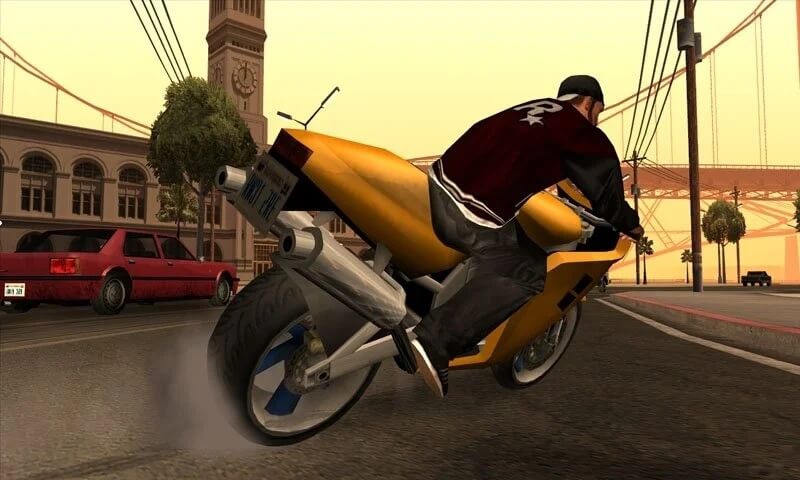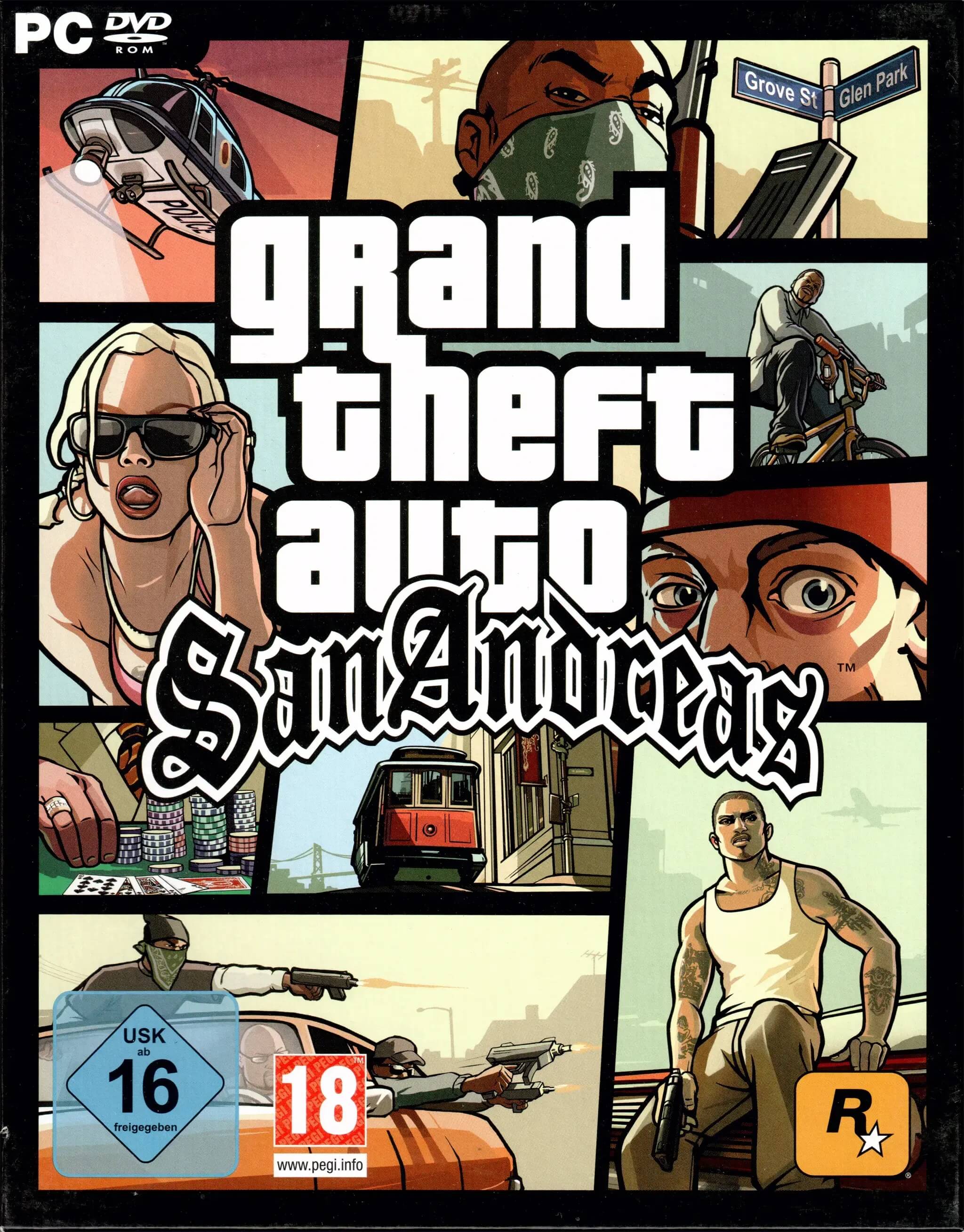
Grand Theft Auto: San Andreas is one of the most iconic open-world action-adventure games ever developed by Rockstar Games. Set in the fictional state of San Andreas, the game follows Carl “CJ” Johnson as he returns home after his mother’s murder and gets pulled back into gang conflicts, corruption, and crime across three massive cities. The game is widely praised for its deep storyline, freedom of exploration, and immersive gameplay that still attracts players worldwide even years after its release. On macOS, the game can be played through compatible wrappers or emulation tools, making it accessible for Mac users who want to experience this classic title.
The gameplay focuses on completing missions, building your criminal empire, and exploring an open world filled with side activities such as racing, driving, fighting, and customizing vehicles. Players can freely roam cities like Los Santos, San Fierro, and Las Venturas while upgrading skills and interacting with various characters. The game combines story-driven missions with sandbox freedom, giving players complete control over their experience.
Key Features
- Open-world gameplay with three major cities to explore.
- Strong story-based missions with character development.
- Wide range of vehicles including cars, bikes, planes, and boats.
- Character customization including clothing, body stats, and skills.
- Gang wars and territory control system.
- Side activities like racing, gambling, gyms, and mini-games.
- High replay value with free roam exploration
How to Download / Install on Mac
Since Grand Theft Auto: San Andreas does not have a fully native macOS version, Mac users can still play it using compatibility tools. Follow the steps below:
- Install a compatibility tool like Wine, CrossOver, or a virtual machine (Parallels/VMware)
- Get the PC version of GTA San Andreas (official copy recommended)
- Install the compatibility layer on your Mac system.
- Run the game setup file through the tool.
- Follow the on-screen installation instructions.
- After installation, open the game inside the virtual/compatibility environment.
- Adjust graphics and control settings for better performance.
- Launch and enjoy the game smoothly on macOS.