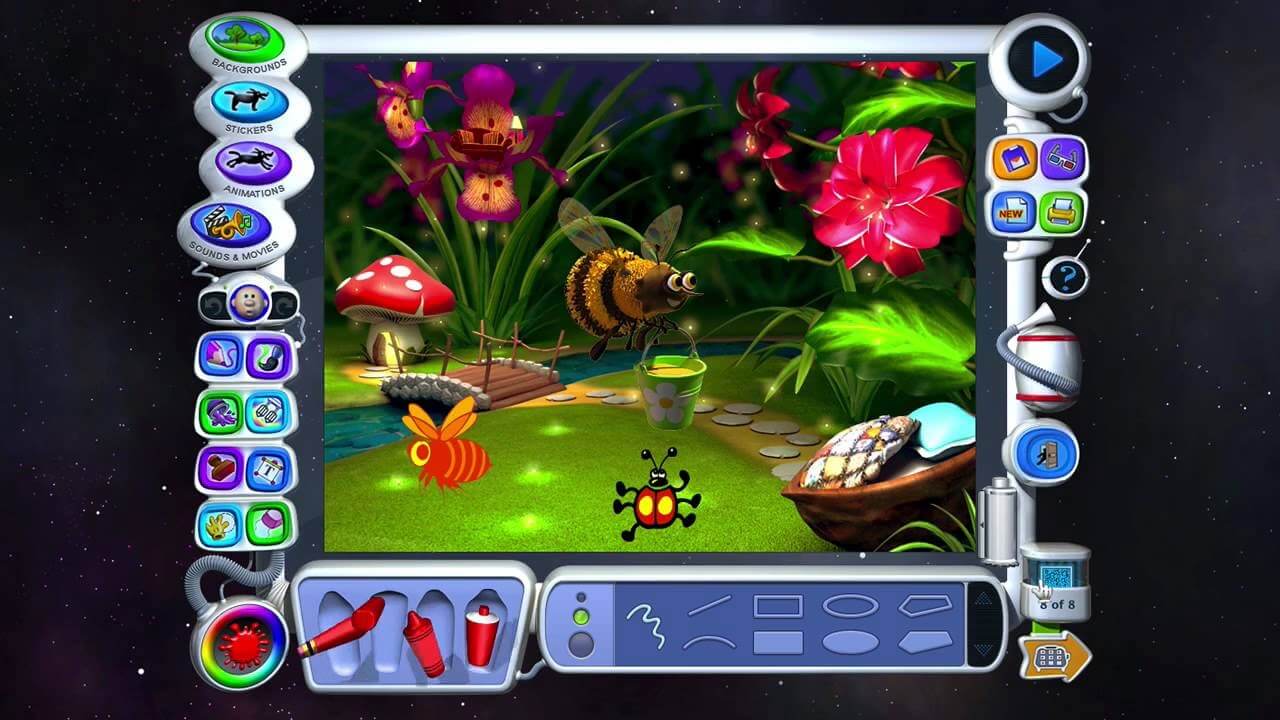
Kid Pix is a fun and interactive digital drawing software designed especially for children to explore creativity through art, animation, and simple design tools. Originally developed by Broderbund, Kid Pix became one of the most popular educational art programs for Mac users, allowing kids to create colorful drawings, slideshows, and animations in a playful environment. It combines learning with entertainment, making it ideal for schools and home use.
On macOS, Kid Pix runs as an educational creativity tool that encourages imagination through easy-to-use brushes, stamps, sound effects, and animation features. Even though it is an older software, it is still appreciated for its simplicity and child-friendly interface. Users can create artwork, add effects, and build interactive presentations, helping improve digital creativity and basic computer skills.
Key Features
- Simple Drawing Tools:
- Easy brushes, pencils, and shapes designed for kids.
- Fun Stamps & Effects:
- Hundreds of creative stamps, stickers, and visual effects.
- Animation Mode:
- Create basic animated scenes and slideshows.
- Sound Integration:
- Add sound effects and voice recordings to projects.
- Kid-Friendly Interface:
- Simple layout designed for beginners and children.
- Creative Learning:
- Encourages imagination, storytelling, and digital art skills.
- Project Saving:
- Save and export creative artworks easily.
How to Download & Install on Mac:
- Kid Pix is an older educational software, so it is usually not available on modern app stores.
- It can be installed through legacy software collections, educational archives, or CD/DVD versions.
- After downloading the setup file, open the installer and follow the on-screen instructions.
- On newer macOS versions, you may need a compatibility tool or virtual machine to run it properly.