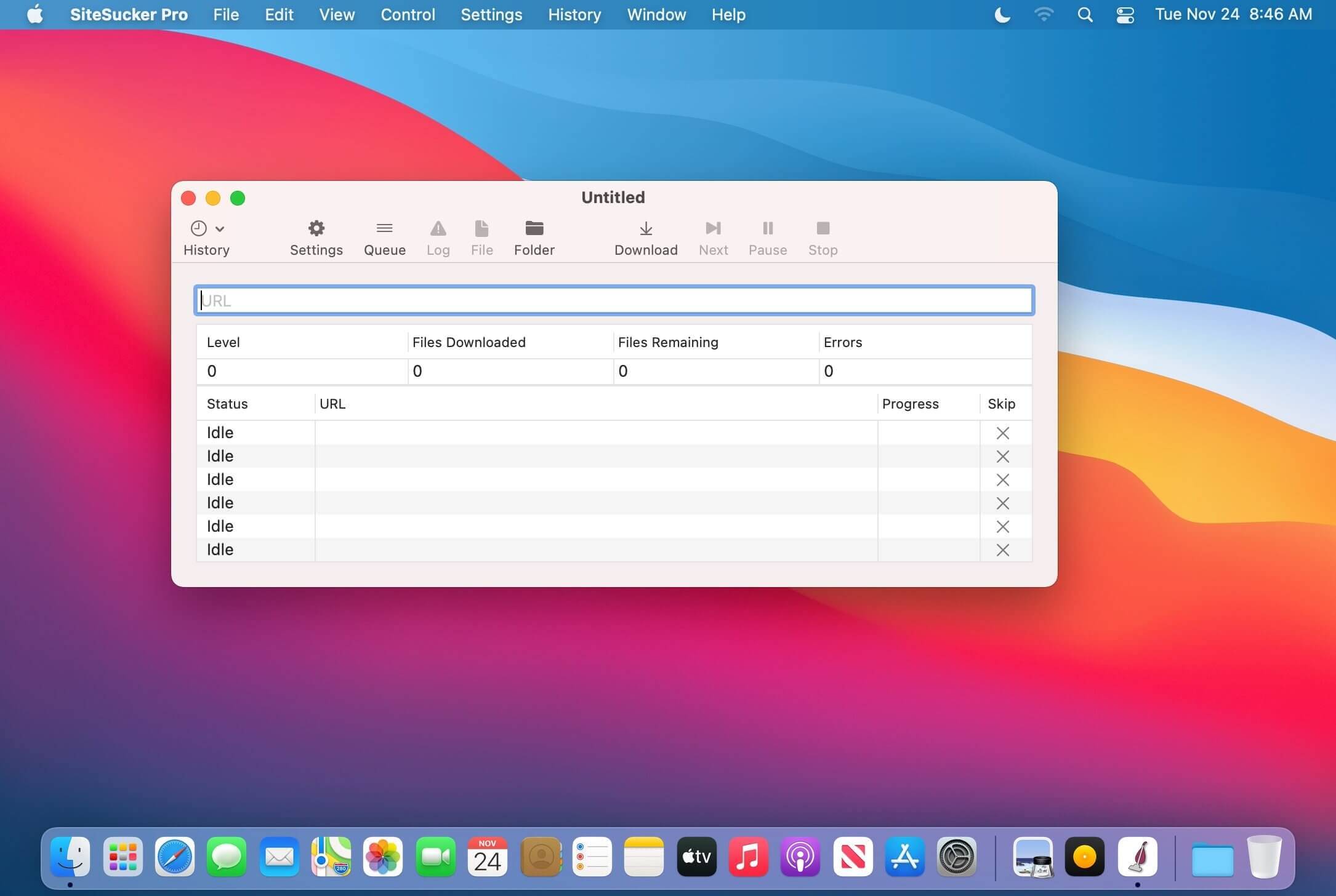
SiteSucker Pro is a powerful macOS application designed to automatically download entire websites for offline access. It works by copying website content, including HTML pages, images, PDFs, and other media files, so users can browse them without an internet connection. This makes it especially useful for developers, researchers, and users who need offline copies of websites for reference or backup purposes.
The software is known for its simplicity and automation just enter a website URL, and SiteSucker Pro handles the rest. It can mirror websites efficiently while maintaining folder structure, allowing users to access content just like browsing online. It also supports advanced download controls, making it a reliable tool for macOS users who need fast and organized website downloading.
Key Features of SiteSucker Pro
- Automatic Full Website Downloading :
- SiteSucker Pro can copy and download an entire website automatically, including all linked pages, so you can access it offline anytime without needing an internet connection.
- Supports Multiple File Types :
- It downloads a wide range of content such as HTML pages, images, CSS files, PDFs, videos, and other media, ensuring a complete offline version of the website.
- Preserves Website Structure :
- The tool keeps the original folder and link structure of the website, making offline browsing feel just like using the live site.
- Simple URL-Based Operation :
- Just paste the website link, and the software starts downloading everything automatically—no technical skills required.
- Advanced Control & Filtering :
- Users can choose what to download or skip, set rules for file types, and control depth levels for better customization.
- Pause and Resume Support :
- Large downloads can be paused and resumed anytime, which is helpful for slow or unstable internet connections.
- Optimized for macOS Performance :
- Built specifically for Mac, it runs smoothly, uses system resources efficiently, and provides stable performance during heavy downloads.
How to Download & Install (macOS)
- Download SiteSucker Pro from a trusted macOS software source or the nmac.pro website .
- Open the downloaded .dmg file.
- Drag the application into the Applications folder.
- Launch the app from Launchpad or Applications.
- Enter a website URL and start downloading content for offline use.