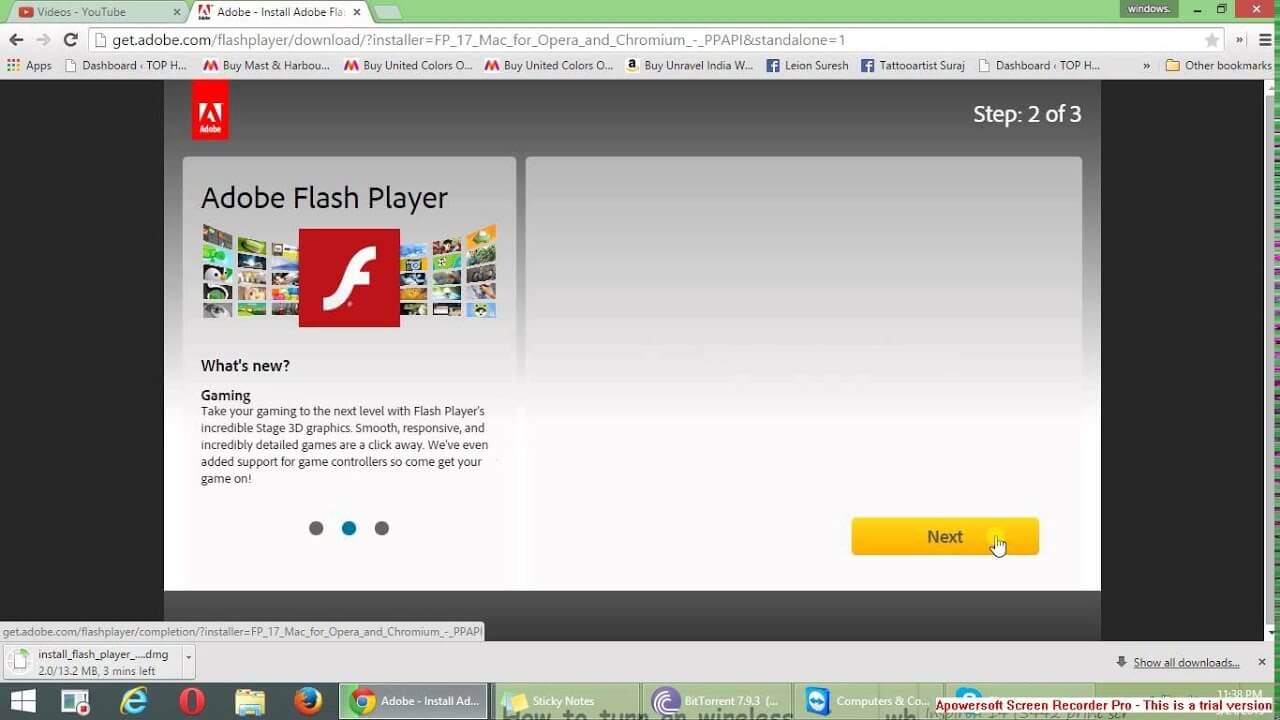
Adobe Flash Player was once one of the most widely used browser plugins for playing interactive content, animations, and web-based games across the internet. Developed by Adobe, it allowed users to run rich multimedia applications directly inside web browsers on macOS and Windows. For many years, Flash Player powered everything from online games to video players and interactive websites, making it an essential tool for web experiences before modern HTML5 technology replaced it.
On macOS, Adobe Flash Player was commonly used in Safari and other browsers to enable Flash-based content. However, Adobe officially ended support for Flash Player on December 31, 2020, and it is no longer available for download or use from official sources. Modern macOS systems no longer support Flash due to security risks and outdated technology. Today, websites have fully transitioned to HTML5, WebGL, and JavaScript-based solutions, which are faster, safer, and more efficient than Flash.
Key Features
- Smooth playback of animations, videos, and interactive web content
- Support for browser-based games and multimedia applications
- Lightweight plugin integration with major browsers
- Hardware-accelerated graphics for better performance (on supported systems)
- Cross-platform compatibility (Windows and macOS)
How to Download / Install ?
- Adobe Flash Player is no longer officially available for download. Previously, users could install it directly from Adobe’s official website and enable it in browsers like Safari or Chrome. Since it is discontinued, installing Flash Player today is not recommended due to security risks. Modern alternatives like HTML5-based players are used instead.