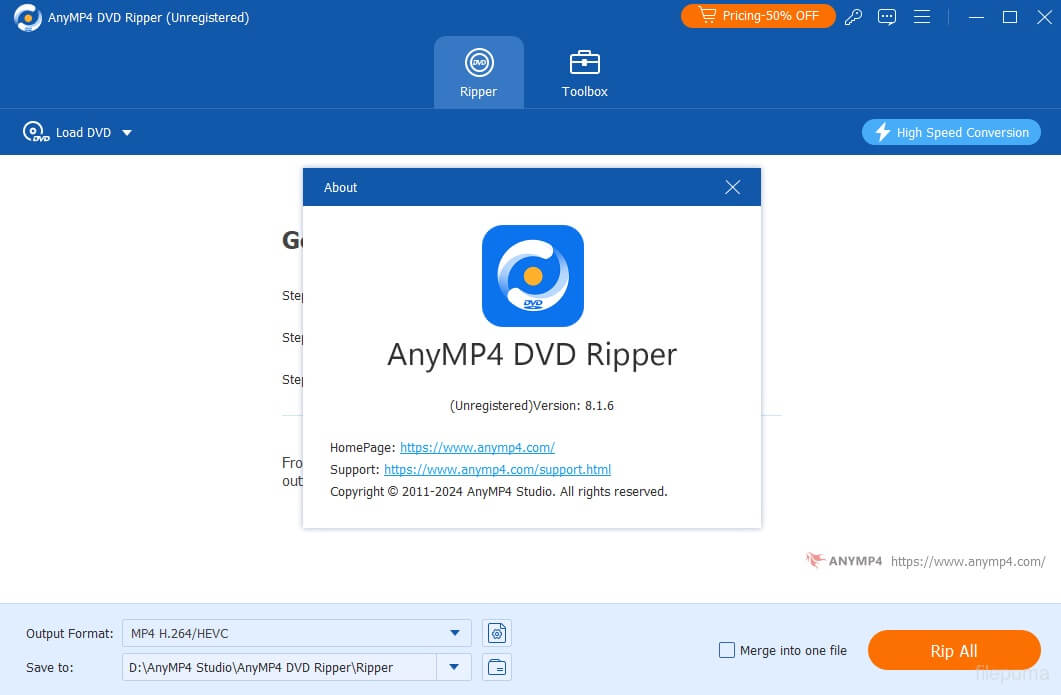
AnyMP4 DVD Ripper for Mac is a powerful DVD conversion tool designed for macOS users who want to digitize their DVD collections quickly and efficiently. The software can rip homemade and most non-protected DVDs into over 500 video and audio formats, making them compatible with Mac, iPhone, iPad, Android devices, smart TVs, and gaming consoles. Its intuitive interface makes it suitable for both beginners and experienced users.
In addition to DVD ripping, AnyMP4 DVD Ripper offers advanced editing features that let you trim, crop, rotate, merge, and enhance videos before exporting them. With GPU acceleration and high-speed conversion technology, the software delivers fast processing while maintaining excellent video quality. Whether you're backing up your DVD library or converting movies for portable devices, AnyMP4 DVD Ripper provides a reliable and user-friendly solution.
Key Features
- Convert DVDs to 500+ Formats:
- Rip DVDs to MP4, MOV, MKV, AVI, WMV, FLV, MP3, AAC, and hundreds of other popular formats.
- High-Speed DVD Ripping:
- Uses advanced acceleration technology to convert DVDs much faster without sacrificing quality.
- Lossless Video Quality:
- Preserves the original video and audio quality for crisp, clear playback.
- Built-in Video Editor:
- Trim unwanted scenes, crop black borders, rotate videos, merge clips, add watermarks, and apply visual effects.
- Customize Output Settings:
- Adjust video codec, resolution, frame rate, bitrate, audio channels, and sample rate for complete control.
- Device Optimization:
- Includes ready-made profiles for iPhone, iPad, Android smartphones, Apple TV, and other popular devices.
- Batch DVD Conversion:
- Convert multiple DVD titles simultaneously to save time.
- Simple User Interface:
- Clean and beginner-friendly layout allows anyone to rip DVDs in just a few clicks.
How to Download
- Download the latest version of AnyMP4 DVD Ripper for Mac.
- Open the downloaded DMG file.
- Drag the application into the Applications folder.
- Launch the software from Applications.
- Insert your DVD and load it into the program.
- Choose your preferred output format.
- Click Rip All to begin the conversion process.