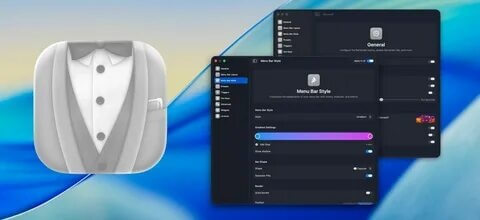
Bartender is a powerful Mac utility designed to help users manage and customize their menu bar icons. With Bartender, you can hide, rearrange, and control menu bar items to create a cleaner and more organized macOS workspace. The application is especially useful for users who install many apps that add icons to the menu bar and want a simple way to keep everything under control.
Bartender provides advanced customization options, allowing users to choose which icons remain visible, which stay hidden, and how they appear. It runs smoothly in the background with minimal system usage and offers a professional solution for improving productivity and maintaining a clutter-free Mac interface.
Key Features of Bartender for Mac
- Menu Bar Organization:
- Easily rearrange and organize your macOS menu bar icons according to your workflow and preferences.
- Hide Unwanted Icons:
- Keep your menu bar clean by hiding rarely used application icons while keeping them accessible when needed.
- Custom Menu Bar Layout:
- Create a personalized menu bar setup by selecting which items are always visible, hidden, or shown only when activated.
- Quick Access Controls:
- Access hidden icons instantly through Bartender’s menu system without searching through multiple applications.
- Automatic Icon Management:
- Configure rules to automatically show or hide menu bar items based on your preferences.
- Smooth Performance:
- Designed for macOS with lightweight performance and efficient resource usage.
- Keyboard Shortcuts Support:
- Use shortcuts to quickly open hidden menu items and improve workflow speed.
- Modern macOS Compatibility:
- Optimized to work with the latest versions of macOS while maintaining a simple and intuitive interface.
How to Download and Install Bartender on Mac?
- Download the latest version of Bartender for macOS.
- Open the downloaded installation file.
- Drag the Bartender application into the Applications folder.
- Launch Bartender from Applications.
- Allow the required macOS permissions for menu bar control.
- Customize your menu bar settings according to your needs.