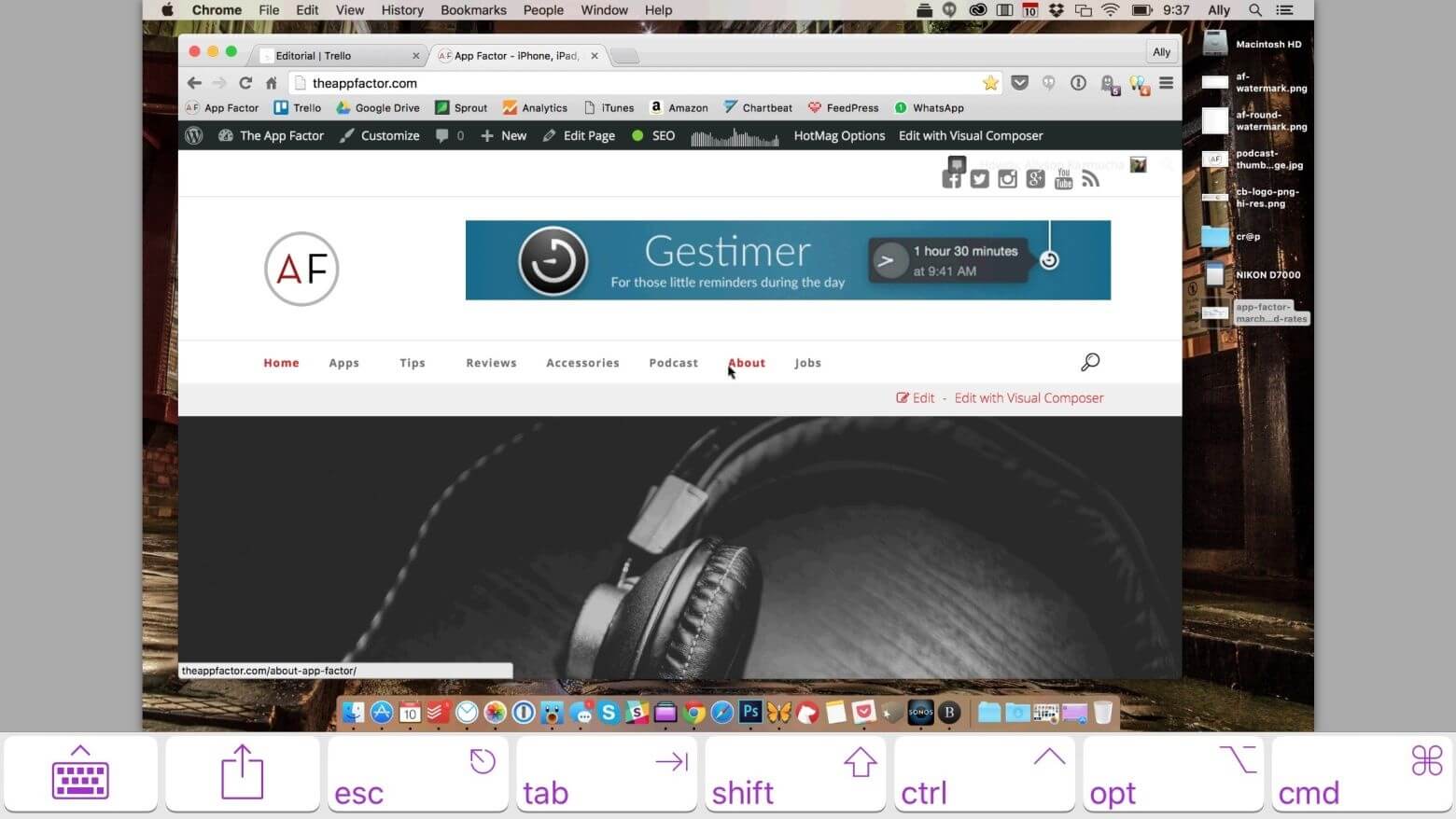
Gestimer is a lightweight and intuitive macOS productivity app designed to help users quickly set reminders and timers using a simple drag-and-drop gesture. Instead of opening complex reminder tools, Gestimer allows you to pull down a small menu bar icon and instantly create a time-based reminder. It is especially useful for professionals, students, and anyone who wants fast task scheduling without interruptions. The app runs smoothly in the background and keeps your workflow clean and distraction-free while ensuring you never miss important tasks.
The main strength of Gestimer lies in its simplicity and speed. Users can create reminders in seconds, set custom time durations, and receive subtle notifications when tasks are due. It integrates seamlessly with macOS design and does not overload system resources, making it ideal for daily productivity use. Whether you are managing work tasks, study sessions, or personal reminders, Gestimer provides a minimal yet powerful solution for time management.
Key Features:
- Drag & Drop Reminder Creation: Quickly set reminders by dragging from the menu bar
- Minimal Interface: Clean and distraction-free macOS design
- Fast Workflow: Create timers in seconds without opening apps
- Lightweight Performance: Runs smoothly in the background
- Custom Time Settings: Set precise reminder durations
- macOS Integration: Native system notifications and behavior
How to Download / Install?
- Visit the official macOS app store or trusted software distribution site.
- Search for “Gestimer”
- Click download and install the app.
- Open from Applications folder after installation.
- Grant notification permissions if required.