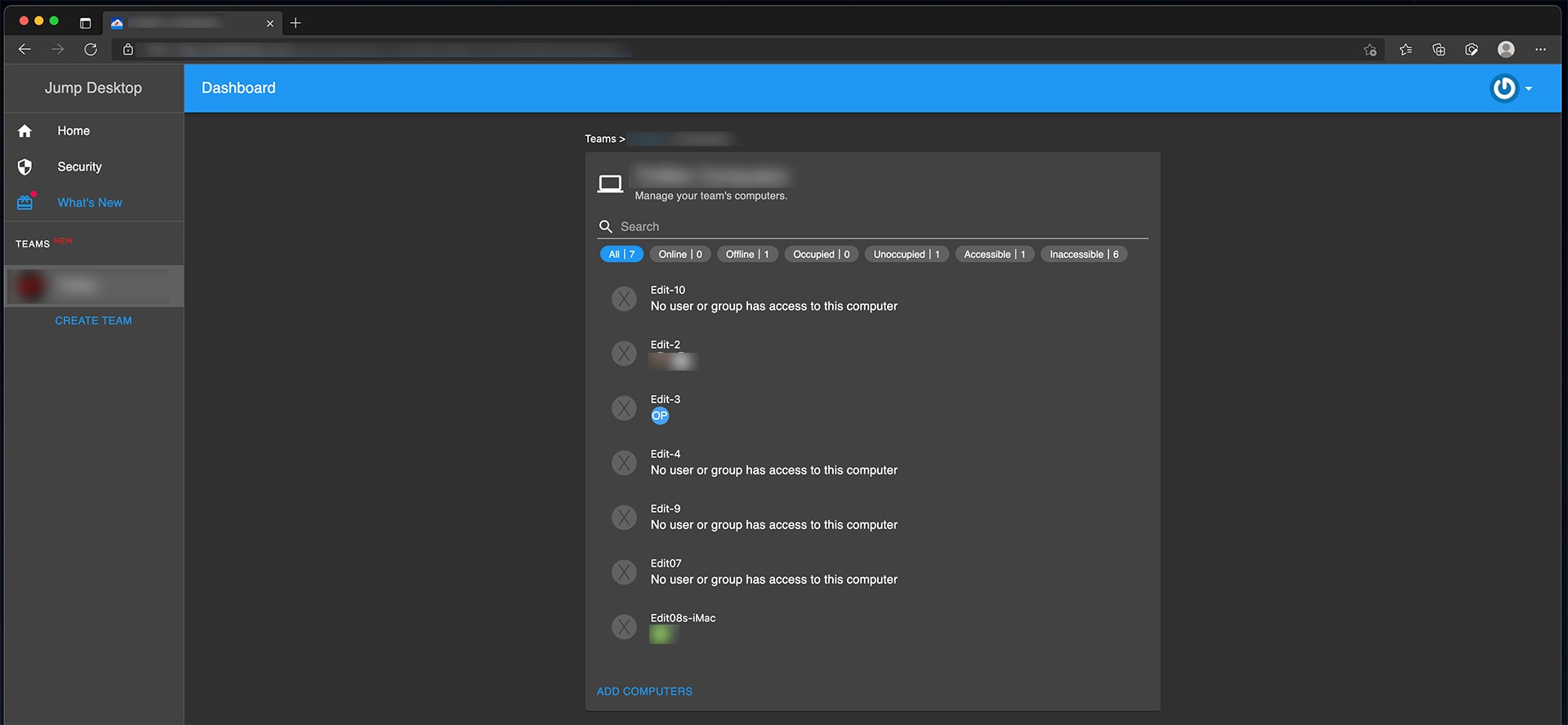
Jump Desktop is a powerful remote desktop application designed for Mac users who want fast, secure, and reliable access to computers from anywhere in the world. It allows you to connect to Windows, Mac, and Linux systems with smooth performance, making it ideal for both personal and professional use. Whether you are working remotely, managing office systems, or accessing files on another device, Jump Desktop delivers a stable and responsive experience with minimal lag.
This software is widely used by IT professionals, freelancers, and businesses because of its strong encryption, easy setup, and cross-platform compatibility. With support for both RDP and Fluid Remote Desktop protocols, it ensures high-quality streaming and secure connections. The interface is simple and user-friendly, allowing even beginners to set up remote access without technical difficulty.
Key Features of Jump Desktop (Mac)
- High-Performance Remote Access:
- Provides smooth and fast remote desktop control with low latency, even on slower internet connections.
- Cross-Platform Support:
- Connects Mac to Windows, Linux, and other Mac systems easily using a single app.
- Secure Connections (Encryption)
- Uses strong security protocols to protect your data and remote sessions from unauthorized access.
- Multiple Protocol Support (RDP & Fluid)
- Offers flexibility with Microsoft RDP and Jump Desktop’s own Fluid protocol for better performance.
- Easy Setup & User-Friendly Interface:
- Simple configuration process with guided setup for beginners and advanced users.
- File Sharing & Clipboard Sync:
- Easily copy/paste text and transfer files between local and remote machines.
How to Download & Install Jump Desktop on Mac
- Visit the official Jump Desktop website or Mac App Store
- Search for Jump Desktop Remote Desktop
- Click on Download / Install
- Wait for installation to complete
- Open the app and sign in or create an account
- Add a remote computer and start connecting