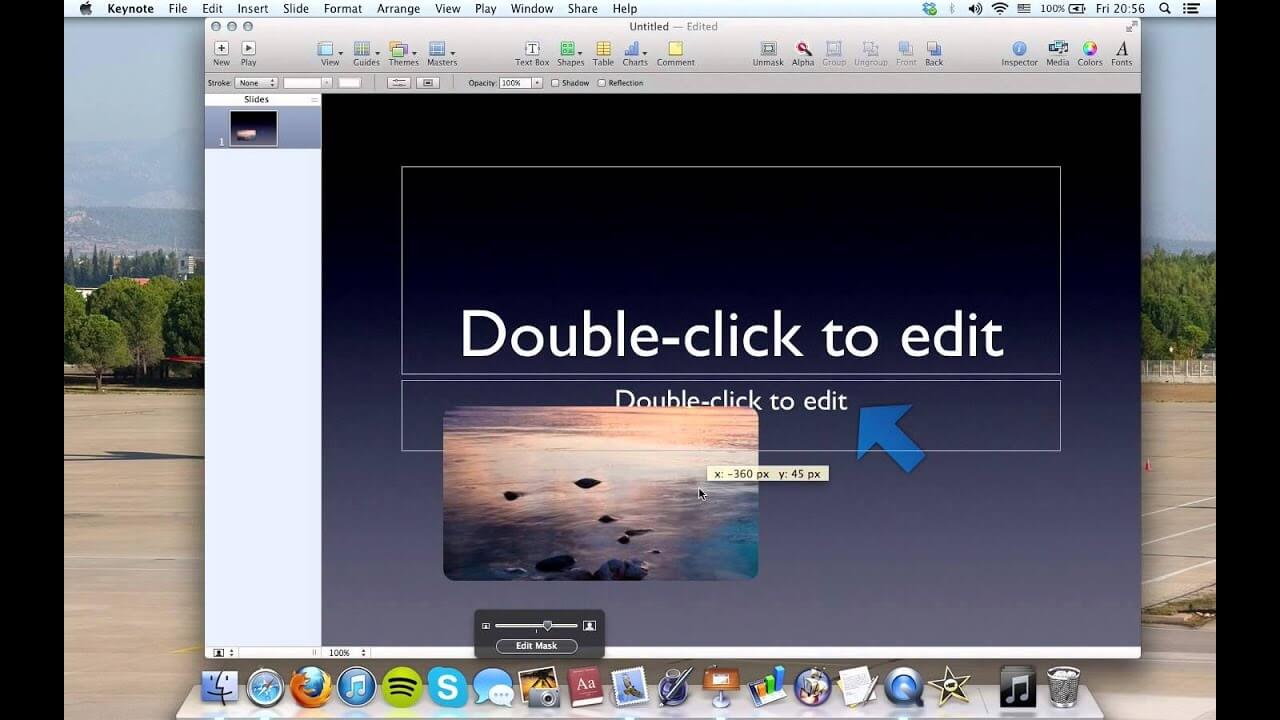
Keynote 7.2 for Mac is Apple's professional presentation application included in the iWork productivity suite. Designed exclusively for macOS, Keynote allows users to create stunning presentations using elegant themes, cinematic animations, and smooth slide transitions. Whether you're preparing a business presentation, classroom lecture, or personal slideshow, Keynote offers all the tools needed to create visually impressive presentations with minimal effort.
Keynote 7.2 introduced several improvements, including enhanced pan and zoom controls, better presenter notes editing, and improved language support, while maintaining excellent compatibility with Microsoft PowerPoint files. With iCloud collaboration, high-quality graphics, and an intuitive drag-and-drop interface, Keynote remains one of the best presentation applications available for Mac users.
Key Features
- Professional Presentation Templates:
- Choose from beautifully designed themes for business, education, and personal presentations.
- Advanced Animations & Transitions:
- Create eye-catching slide animations and cinematic transition effects.
- PowerPoint Compatibility:
- Open, edit, and export Microsoft PowerPoint (PPTX) presentations with ease.
- Presenter Notes:
- View and edit presenter notes while delivering your presentation.
- iCloud Collaboration:
- Work together with teammates in real time across multiple Apple devices.
- Interactive Charts & Media:
- Add charts, tables, videos, images, and audio to create engaging presentations.
- Easy Drag-and-Drop Editing:
- Quickly arrange text, graphics, and multimedia with an intuitive interface.
- Optimized for macOS:
- Delivers smooth performance with full support for Apple's Retina displays.
How to Download
- Download the Keynote 7.2 DMG installer from a trusted source.
- Open the downloaded DMG file.
- Drag Keynote into the Applications folder.
- Launch the application from Launchpad or Applications.
- Sign in with your Apple ID if required for iCloud features.
- Start creating professional presentations.