![MAMP PRO 6.9 – Local Web Development Server for Mac [Intel Version]](https://nmac.pro/public/uploads/img_6a4a5a68092f15.97571498.jpg)
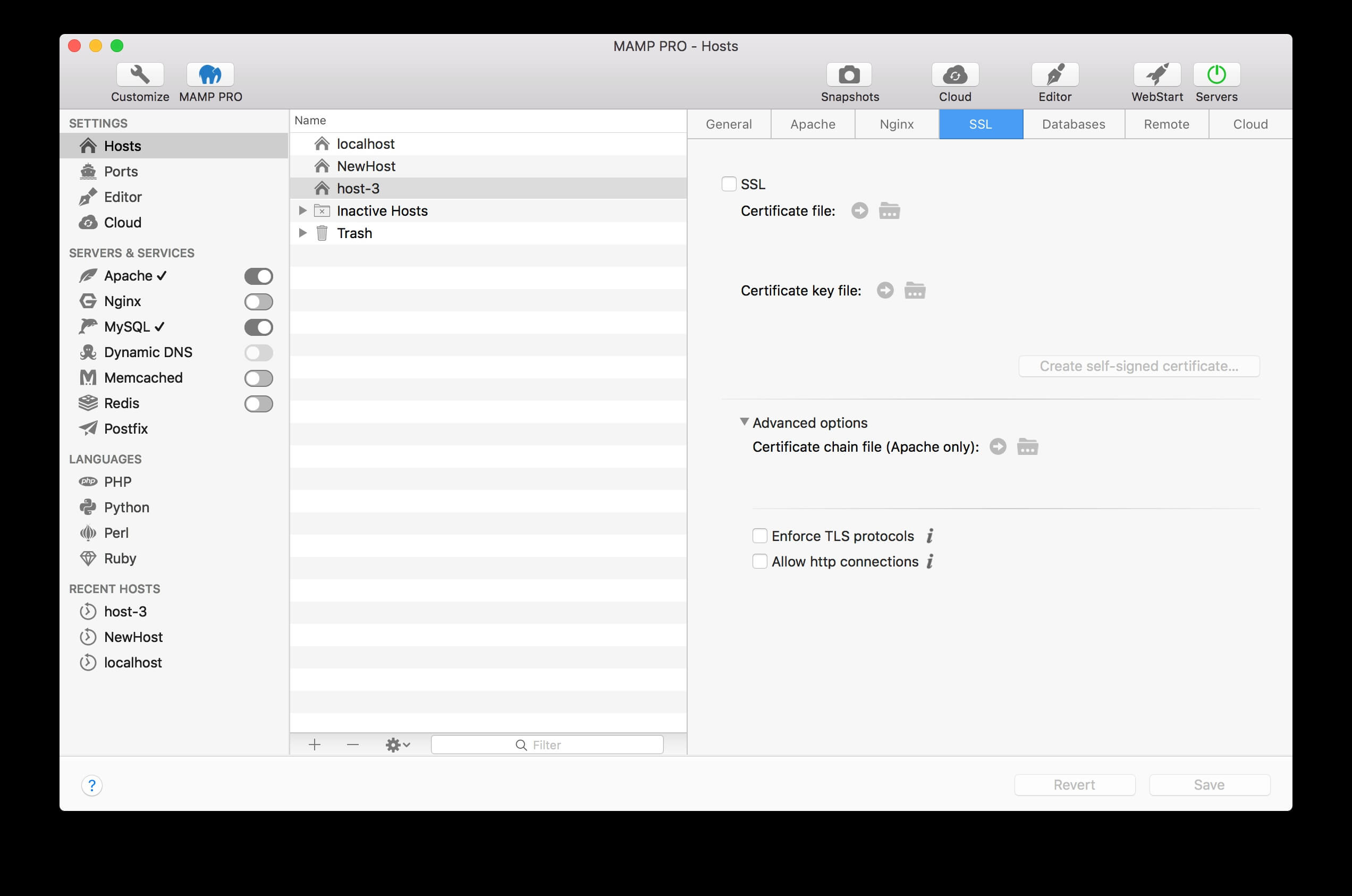
MAMP PRO is a powerful local web development environment designed specifically for macOS. It allows developers to create, test, and manage websites on their Mac without requiring an internet connection. With support for Apache, Nginx, PHP, MySQL, and MariaDB, MAMP PRO provides everything needed to build professional web applications in one convenient package. Whether you're developing WordPress websites, PHP applications, or custom web projects, it offers a stable and user-friendly workflow.
One of the biggest advantages of MAMP PRO is its ability to manage multiple local hosts with ease. Developers can switch between different PHP versions, configure SSL certificates, schedule backups, and customize server settings without editing complex configuration files manually. Its intuitive interface, powerful management tools, and reliable performance make MAMP PRO an excellent choice for beginners, freelancers, and professional web developers working on macOS.
Key Features
- Multiple Local Hosts:
- Create and manage unlimited local websites from a single dashboard.
- Apache & Nginx Support:
- Easily switch between two popular web servers for testing.
- Multiple PHP Versions:
- Test projects using different PHP versions with one click.
- MySQL & MariaDB Integration:
- Manage databases for WordPress and other PHP applications.
- Built-in SSL Support:
- Generate and configure SSL certificates for secure local development.
- Dynamic DNS Service:
- Test websites remotely with secure Dynamic DNS connectivity.
- Cloud Integration:
- Sync projects with cloud storage services for easier collaboration.
- Email Testing:
- Test outgoing emails from local websites before deployment.
- Automatic Backups:
- Protect projects by creating scheduled backups.
- Developer-Friendly Interface:
- Easy-to-use control panel for managing every aspect of the local server.
How to Download
- Download the latest version of MAMP PRO for Mac.
- Open the downloaded DMG installer.
- Drag MAMP PRO into the Applications folder.
- Launch the application and grant the required macOS permissions.
- Configure your preferred PHP version, web server, and database settings.
- Start developing and testing your websites locally.