Meta Music Tag is a professional audio metadata editor designed for macOS users who want complete control over their music library. The application allows you to edit and organize important music details such as song title, artist name, album information, track number, genre, release year, and cover artwork. With its clean and simple interface, Meta Music Tag makes managing large music collections easier and more efficient.
This lightweight Mac application supports popular audio formats and provides advanced tagging tools for users who want properly organized music files. Whether you are a music enthusiast, DJ, or someone who wants a cleaner digital music library, Meta Music Tag offers a fast and reliable solution for editing audio information without complicated steps.
Key Features
- Advanced Music Tag Editing:
- Easily modify song titles, artists, albums, genres, comments, composers, and other metadata fields.
- Album Artwork Management:
- Add, remove, or replace cover images to make your music collection visually organized.
- Support Multiple Audio Formats:
- Works with common music file formats, allowing users to manage different types of audio files.
- Batch Editing Support:
- Edit multiple songs at once and save time when organizing large music libraries.
- Clean and Simple Interface:
- Designed with a user-friendly layout that makes metadata editing easy for beginners and professionals.
- Music Library Organization:
- Keep your songs properly categorized with accurate information and improved file management.
How to Download Meta Music Tag for Mac?
- Download the Meta Music Tag installer file for macOS.
- Open the downloaded DMG package.
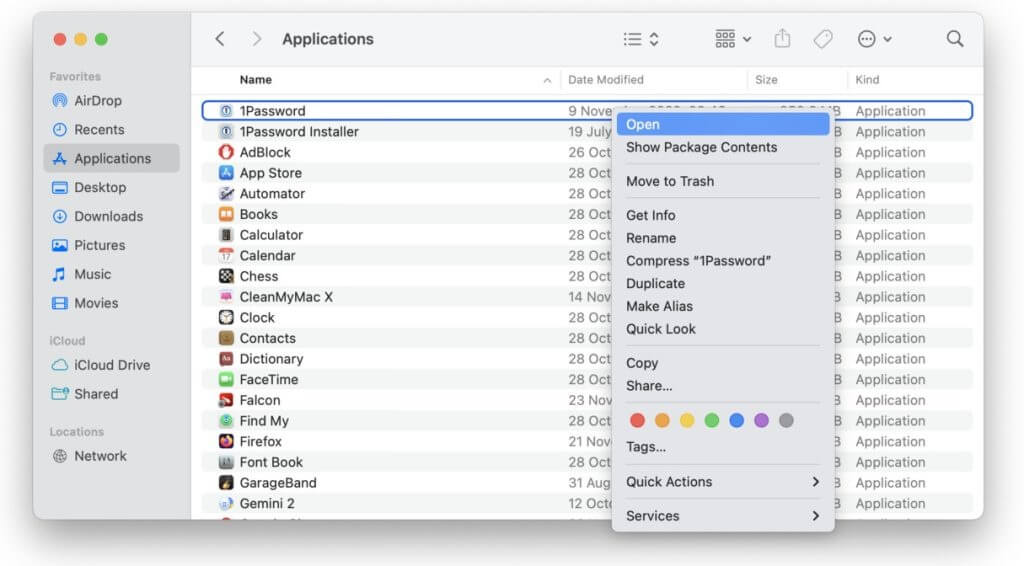
- Drag the application into the Applications folder.
- Launch Meta Music Tag from your Mac Applications menu.
- Start editing and managing your music metadata.