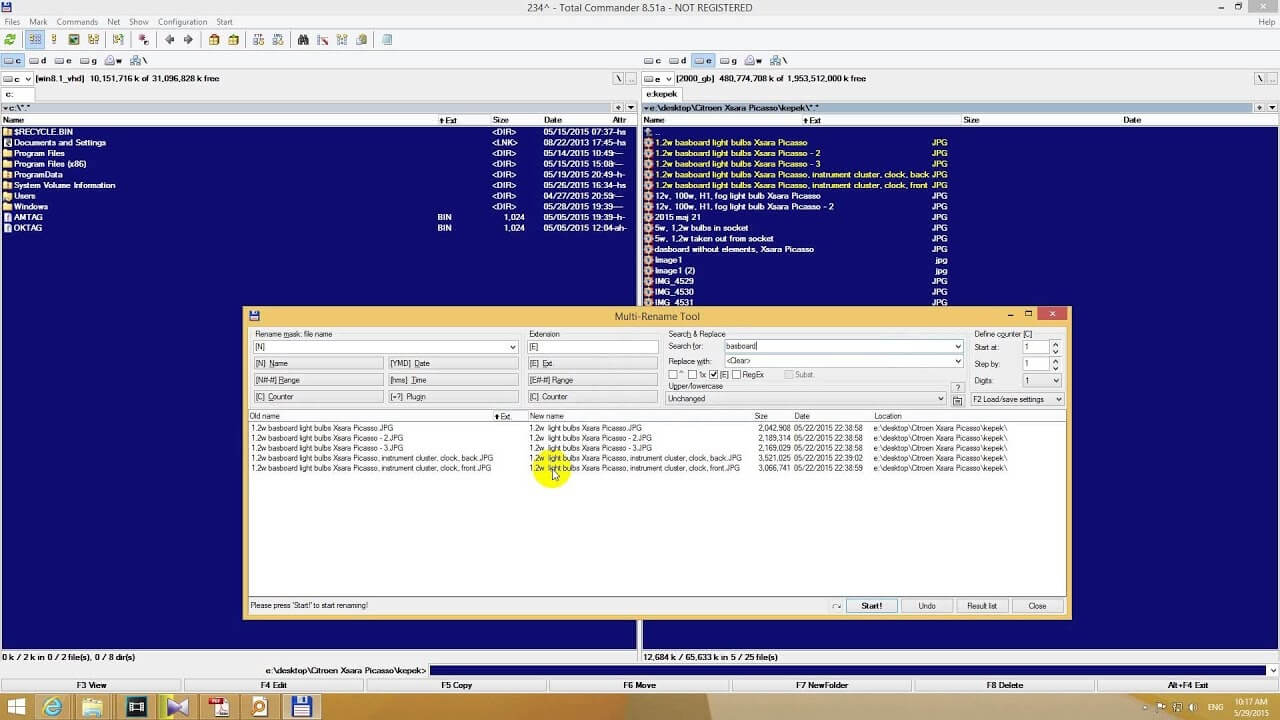
Multi Rename Tool for Mac is a powerful file management utility that allows users to rename hundreds or even thousands of files simultaneously. Instead of manually changing file names one by one, this software provides a fast and efficient way to organize photos, documents, videos, and music collections with just a few clicks.
The application offers various renaming methods, including adding prefixes and suffixes, replacing text, numbering files automatically, changing file extensions, and modifying letter cases. Whether you're a photographer managing images, a developer organizing projects, or an everyday user cleaning up folders, Multi Rename Tool makes file management much easier and more productive.
Key Features
- Batch Rename Files:
- Rename multiple files and folders at once, saving a significant amount of time.
- Add Prefixes and Suffixes:
- Easily add custom text before or after file names.
- Replace Text Automatically:
- Find and replace specific words or characters in hundreds of files instantly.
- Sequential Numbering:
- Automatically add numbers to file names for better organization.
- Change Letter Cases:
- Convert filenames to uppercase, lowercase, or title case with one click.
- Modify File Extensions:
- Quickly change file extensions for multiple files.
- Preview Before Renaming:
- View changes before applying them to avoid mistakes.
- User-Friendly Interface:
- Clean and intuitive design suitable for both beginners and advanced users.
How to Download
- Download the Multi Rename Tool installer from a trusted source.
- Open the downloaded DMG file.
- Drag the application into the Applications folder.
- Launch the software from Launchpad or Finder.
- Start renaming files and organizing your data efficiently.