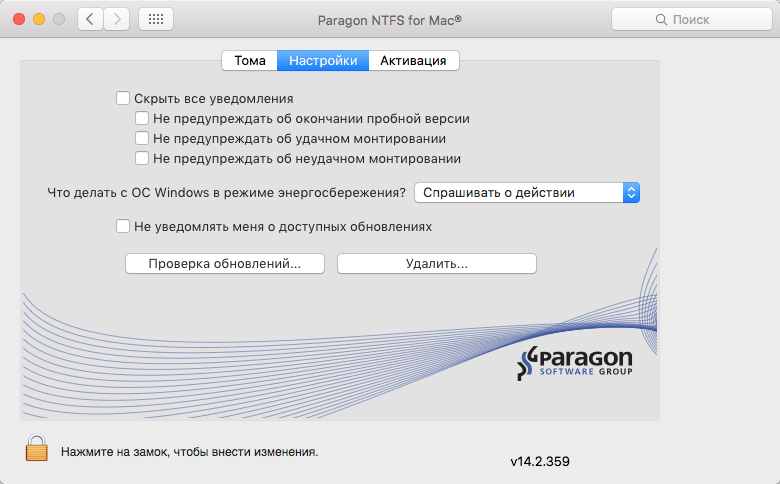
Paragon NTFS forParagon NTFS for Mac is a powerful and reliable utility designed to give macOS users full read and write access to Windows NTFS-formatted drives. By default, macOS can only read NTFS drives, but with Paragon NTFS, you can easily transfer, edit, delete, and manage files on external hard drives, USB flash drives, and SSDs without any restrictions. It is widely used by professionals, developers, and everyday users who regularly switch between Windows and macOS systems.
This software runs in the background and integrates seamlessly with macOS Finder, making NTFS drives behave like native Mac drives. It is fast, stable, and optimized for Apple Silicon (M1/M2/M3) and Intel-based Macs. With its simple interface and automatic mounting system, Paragon NTFS eliminates compatibility issues and ensures smooth cross-platform file sharing.
Key Features of Paragon NTFS for Mac
- Full NTFS Read & Write Support:
- Easily copy, edit, delete, and transfer files on NTFS drives without limitations.
- High-Speed Performance:
- Optimized file transfer speeds for large files and external storage devices.
- Seamless macOS Integration:
- Works directly inside Finder like a native macOS feature.
- Automatic Drive Mounting:
- NTFS drives are automatically detected and mounted when connected.
- Apple Silicon Support:
- Fully compatible with M1, M2, and M3 Macs.
- Stable & Reliable:
- Ensures data safety during file transfers with advanced driver technology.
- User-Friendly Interface:
- Simple setup and easy control panel for managing drives.
- Multiple Drive Support:
- Works with USB, external HDDs, SSDs, and network storage.
How to Download & Install Paragon NTFS for Mac
- Visit the official Paragon Software website.
- Download the latest version of Paragon NTFS for Mac.
- Open the downloaded .dmg file.
- Drag and drop the application into the Applications folder.
- Launch the software and grant necessary permissions.
- Connect your NTFS drive and start using it instantly.