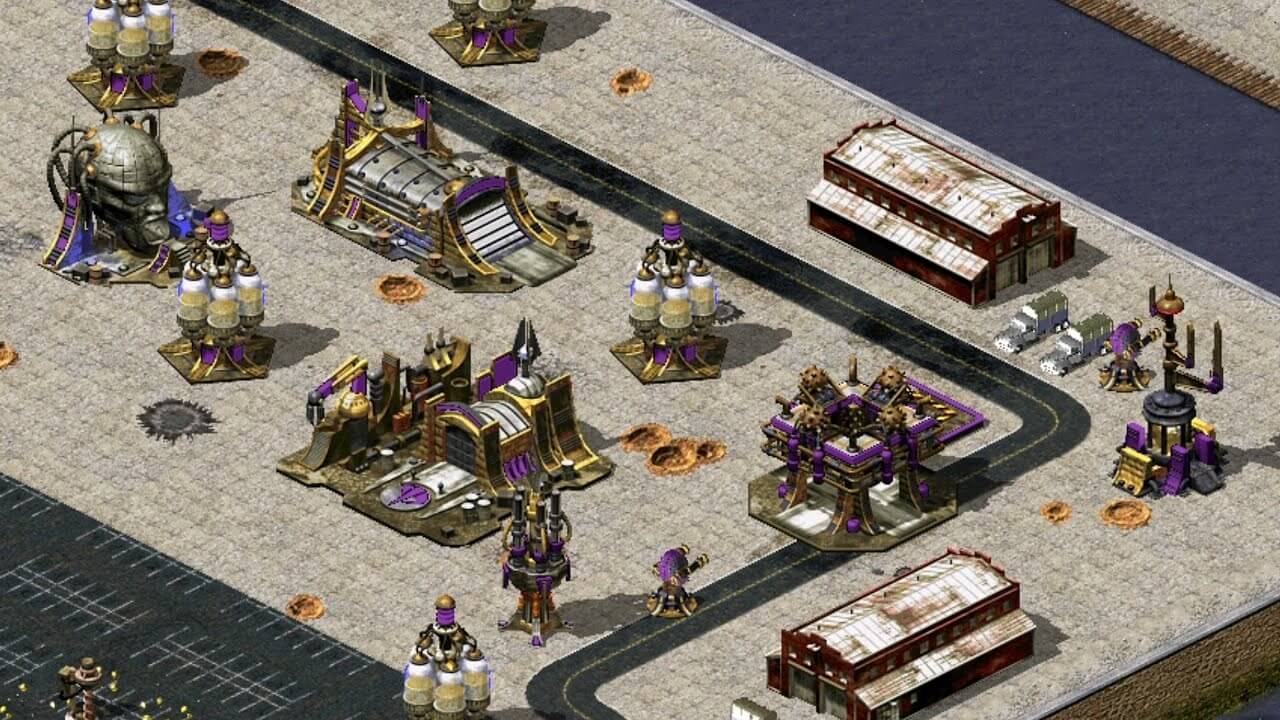
Red Alert 2: Yuri’s Revenge is a legendary real-time strategy (RTS) expansion that builds upon the classic Command & Conquer: Red Alert 2. Set in an alternate Cold War timeline, the game introduces Yuri as a powerful new antagonist with psychic abilities and mind-control technology, adding a fresh twist to fast-paced base building and large-scale warfare. Players can choose between Allied Forces, Soviet Union, or Yuri’s faction, each offering unique units, strategies, and campaign missions. On macOS, the game is usually played through compatibility layers or emulation tools since it was originally designed for Windows, but it still runs smoothly with proper setup.
The gameplay focuses on resource gathering, base construction, and strategic combat where timing and unit control are key to victory. Whether you are defending your base from massive enemy attacks or launching coordinated strikes across land, sea, and air, every decision matters. Yuri’s Revenge is especially popular for its multiplayer battles and custom maps, making it a long-lasting favorite among RTS fans even today.
Key Features
- Three Factions Gameplay:
- Play as Allies, Soviets, or Yuri with unique units and powers.
- Psychic Warfare System:
- Yuri introduces mind control and cloning mechanics.
- Classic RTS Strategy:
- Base building, resource management, and tactical combat.
- Expanded Campaigns:
- New missions with alternate storyline continuation.
- Multiplayer Mode:
- LAN and online battles with competitive strategy gameplay.
- Custom Maps & Mods:
- Community-driven content keeps the game alive.
- Fast-Paced Battles:
- Quick decision-making and real-time action.
How to Play
- Start by selecting your faction (Allies, Soviets, or Yuri)
- Collect resources (ore/gems) to build your base.
- Construct power plants, barracks, and war factories.
- Train units and expand your army.
- Defend your base while attacking enemy structures.
- Use special faction abilities for tactical advantage.
How to Download (Mac)
- Install a Windows compatibility tool like Wine, Crossover, or Parallels Desktop.
- Download the PC version of Red Alert 2: Yuri’s Revenge.
- Run the installer through the compatibility layer.
- Apply any available patches for smooth performance.
- Launch and configure graphics/settings for macOS optimization.