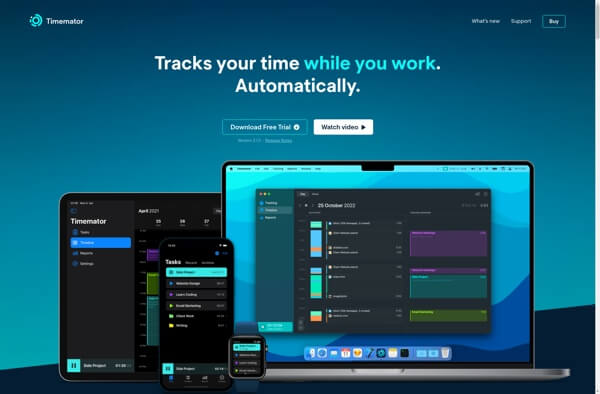
Timemator for Mac is a powerful productivity and time-tracking application designed specifically for freelancers, remote workers, and professionals who want to manage their time efficiently. Unlike traditional time trackers, Timemator can automatically track your work based on the apps you use, files you open, and projects you work on, making time management effortless and accurate.
The software combines automatic activity tracking with manual timers, helping users generate detailed reports and analyze how their time is spent throughout the day. With its clean macOS interface, project management tools, and automation features, Timemator has become a popular solution for anyone looking to improve productivity and simplify billing and work reporting.
Key Features
- Automatic Time Tracking:
- Tracks your activities based on applications, documents, and websites you use.
- Manual Timers:
- Start and stop timers manually for specific projects and tasks.
- Project & Task Management:
- Organize work into projects, categories, and individual tasks.
- Detailed Reports:
- Generate comprehensive reports to analyze productivity and billable hours.
- Smart Automation Rules:
- Automatically assign time entries to projects based on custom rules.
- Calendar Integration:
- Sync work sessions with your calendar for better scheduling.
- Beautiful macOS Interface:
- Designed with a native Mac experience and an easy-to-use dashboard.
- Data Export:
- Export reports and time logs for invoicing and productivity analysis.
How to Download Timemator for Mac
- Download the latest version of Timemator from a trusted source.
- Open the downloaded DMG installation file.
- Drag the Timemator application into the Applications folder.
- Launch the app and grant the required permissions.
- Create your projects and start tracking your work automatically.
Why Choose Timemator?
Timemator is an excellent productivity solution for Mac users who need accurate time tracking without constant manual input. Its intelligent automation, detailed reports, and native macOS design make it one of the best time-management tools for freelancers, developers, designers, and business professionals.