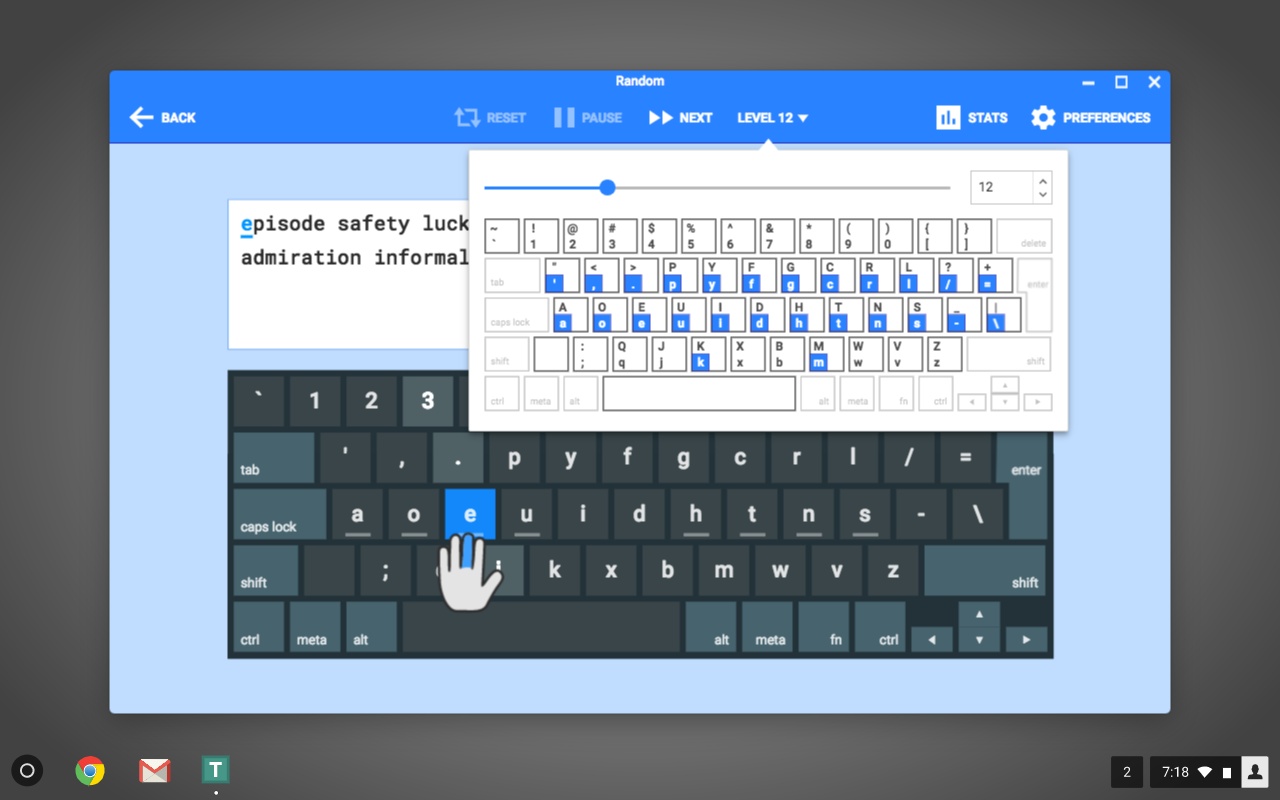
Type Fu for Mac is a beautifully designed typing tutor that helps users improve their typing speed and accuracy through interactive lessons and fun exercises. Unlike traditional typing software, Type Fu uses adaptive learning techniques that automatically adjust the difficulty based on your performance, making it suitable for both beginners and advanced typists.
The application offers a distraction-free interface and detailed statistics to monitor your progress over time. Whether you're a student, programmer, writer, or office worker, Type Fu can significantly increase your typing efficiency and help you develop proper touch-typing skills on your Mac.
Key Features
- Adaptive Learning System:
- Automatically adjusts lesson difficulty according to your typing skills.
- Detailed Progress Tracking:
- Monitor words per minute (WPM), accuracy, and improvement history.
- Beautiful macOS Interface:
- Designed specifically for Mac users with a clean and intuitive layout.
- Interactive Lessons:
- Includes various exercises to improve speed and reduce typing errors.
- Multiple User Profiles:
- Create separate profiles for different users and track individual progress.
- Touch Typing Training:
- Learn proper finger placement and keyboard techniques.
- Performance Statistics:
- View comprehensive charts and typing performance reports.
- Lightweight and Fast:
- Optimized to run smoothly on modern and older Mac systems.
How to Download and Install
- Download the latest version of Type Fu for Mac.
- Open the downloaded DMG file.
- Drag the Type Fu application into the Applications folder.
- Launch the software from Launchpad or Finder.
- Start practicing and improve your typing skills.